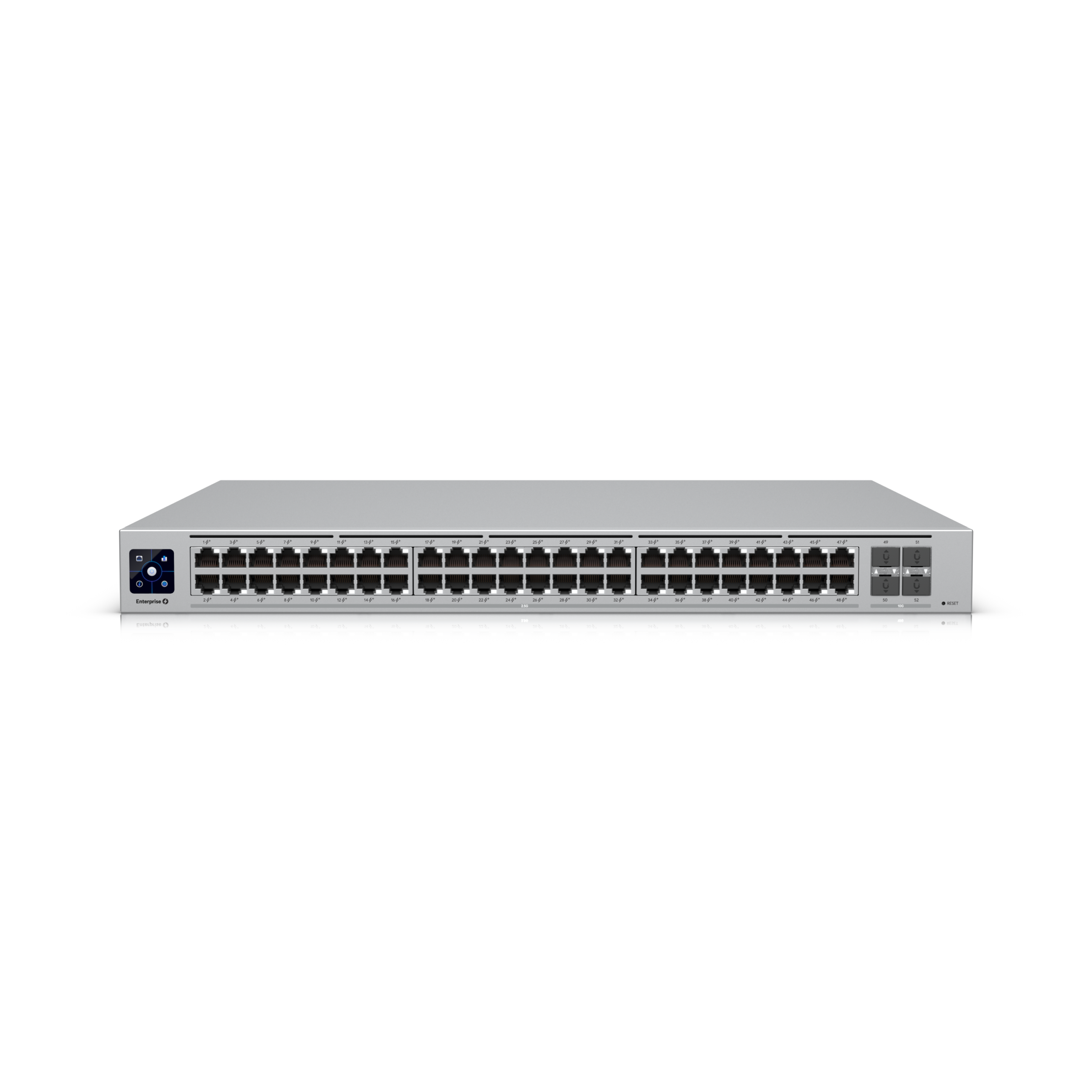
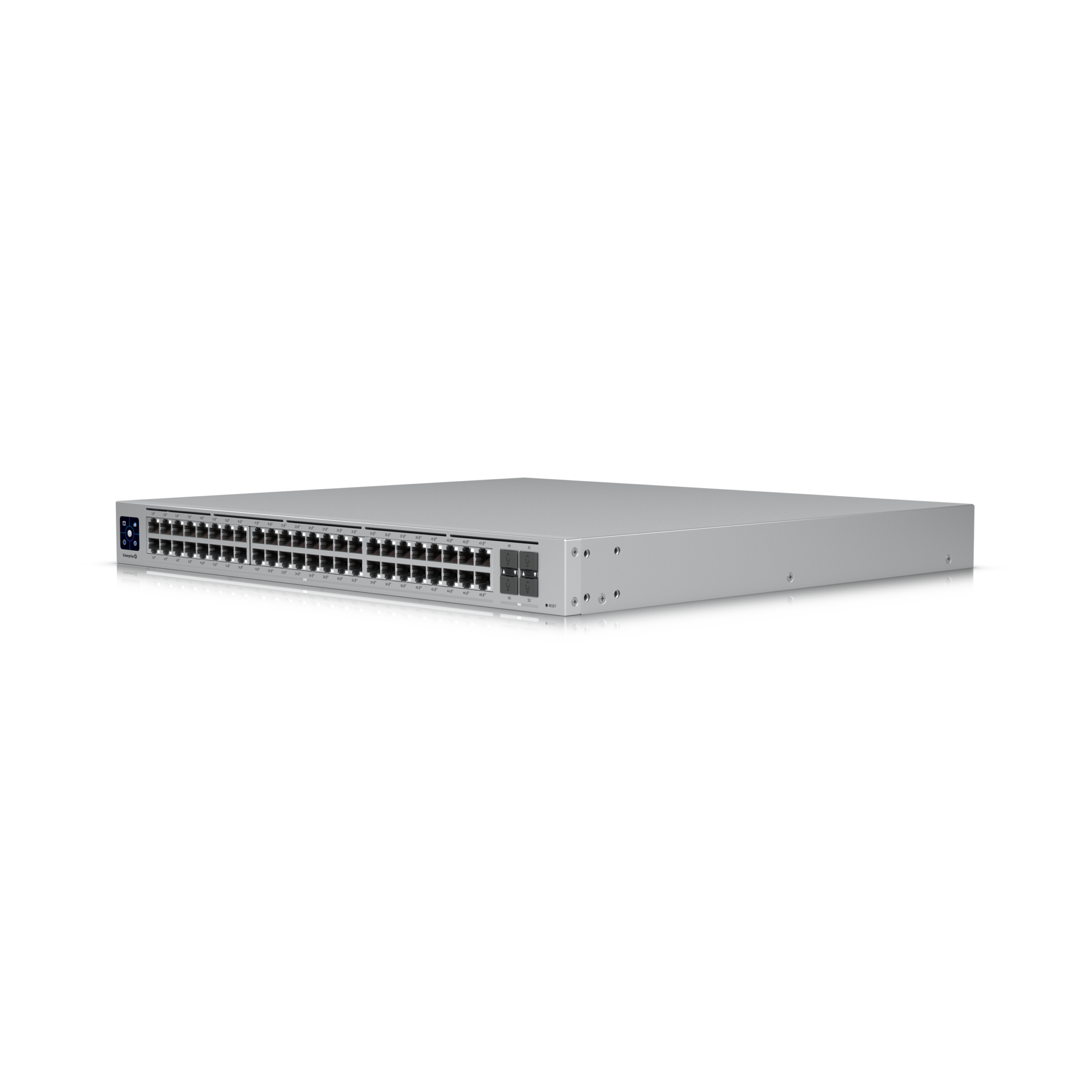

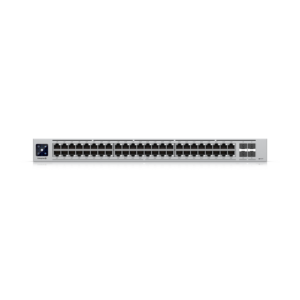
UniFi Switch Enterprise 48 PoE (USW-Enterprise-48-PoE)
KSh 263,000.00
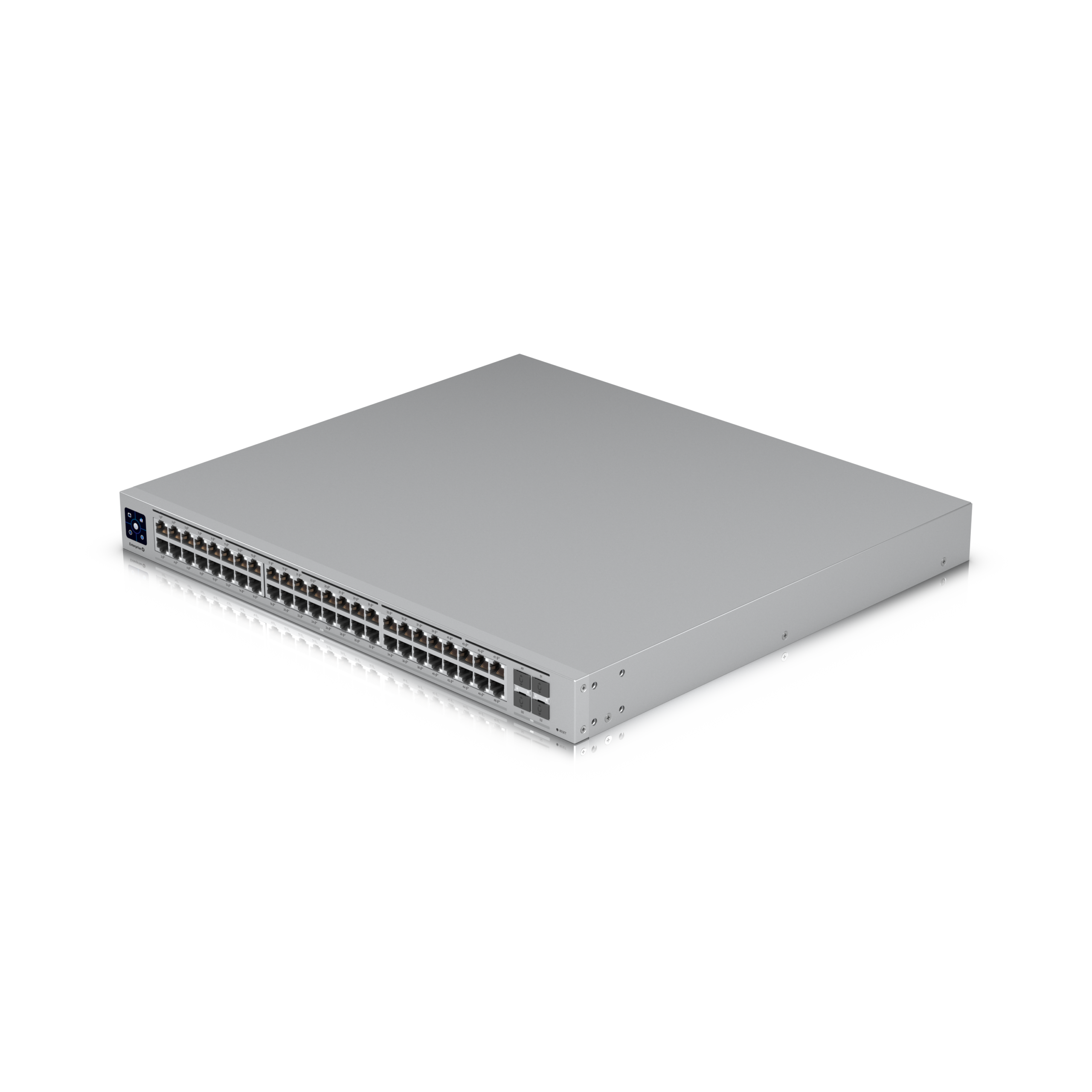
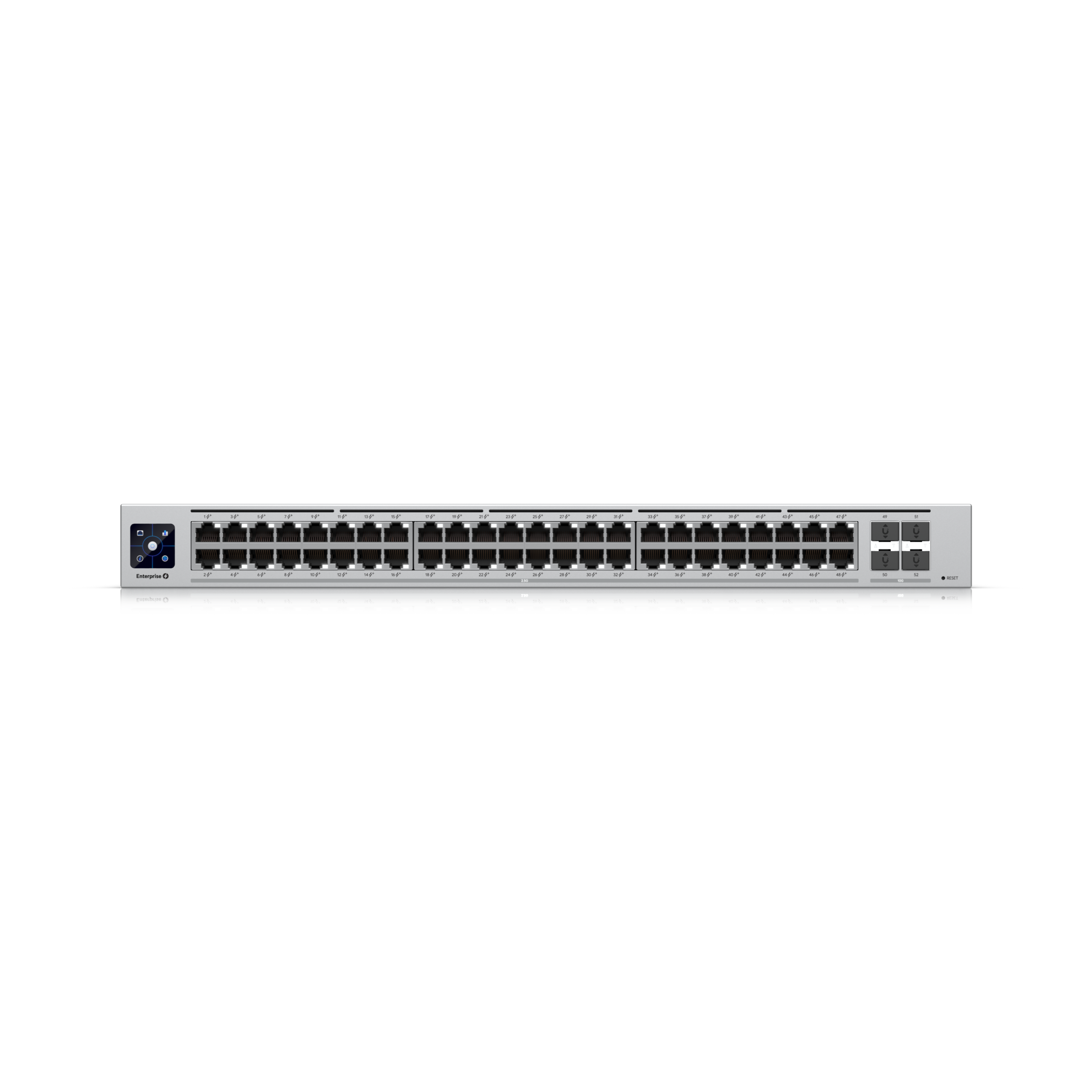
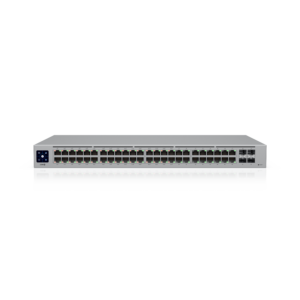
The Ubiquiti USW-Enterprise-48-PoE provides 48 × 2.5GbE PoE+ ports, four 10G SFP+ uplinks and a shared 720W power budget. Layer 3 routing and UniFi Network management support larger wired networks. The 1U enclosure suits business communications cabinets with sufficient depth and ventilation.
USW-Enterprise-48-PoE with 48 Multi-Gigabit Ports
The Ubiquiti UniFi USW-Enterprise-48-PoE gives every copper connection a speed of up to 2.5 Gigabit Ethernet. All 48 ports also support powered network devices, sharing a 720W power budget. For offices, schools and hotels in Kenya, it provides connections for computers, compatible access points, phones and cameras. Meanwhile, four separate 10G uplinks carry traffic towards servers or other switches without taking up any copper ports.
What This Switch Is Designed For
The Ubiquiti UniFi USW-Enterprise-48-PoE is a managed Layer 3 switch for sites with many wired devices and several powered connections. It combines multi-gigabit access, local routing and central management in a 1U enclosure. Network administrators use UniFi Network to configure connections, organise traffic and monitor the switch.
2.5GbE Across All 48 Copper Ports
All 48 Ethernet ports support 2.5GbE, so faster connections are available throughout the switch. For example, you can connect compatible workstations and access points without reserving a small group of faster ports. Gigabit equipment can also use these connections at its supported speed.
The four 10 Gigabit Small Form-Factor Pluggable Plus (SFP+) slots support 10G or 1G links. These provide separate paths to suitable upstream equipment. However, check module compatibility, cable type and the connection speed at both ends before choosing your uplink accessories.
Powering Devices from One Cabinet
The switch supplies Power over Ethernet Plus (PoE+) through all 48 copper ports. Consequently, compatible devices receive data and power through the same cable, reducing the need for individual adapters. The total available power is 720W across connected equipment.
Power planning still matters when every port is available. For example, 48 devices drawing 20W each would require 960W, exceeding the shared budget. Therefore, check the maximum demand of each device and allow spare capacity. Equipment requiring PoE++ needs a different suitable power source.
Controls for a Shared Business Network
The switch provides settings for managing users, devices and traffic across a busy site.
- Network separation: Virtual Local Area Networks (VLANs) let you organise staff, guests and equipment into distinct networks.
- Local routing: Configure communication between local VLANs through the switch.
- Access rules: Apply restrictions that help control which devices can communicate.
- Traffic priorities: Quality of Service (QoS) settings help prioritise selected traffic when links become busy.
- Loop protection: Help limit disruption caused by an accidental network loop.
- Link aggregation: Combine suitable links between compatible devices to increase aggregate connection capacity.
USW-Enterprise-48-PoE Technical Specifications
The switch has the following connections, power capacity and management requirements.
- Copper ports: 48 × 2.5GbE with PoE+.
- Uplink slots: 4 × 10G SFP+, supporting 10G or 1G.
- Total available PoE power: 720W.
- Non-blocking throughput: 160Gbps.
- Mounting format: 1U rack mount.
- Dimensions: 442mm wide × 400mm deep × 44mm high.
- Weight with mounting brackets: 6.3kg.
- Display: 1.3-inch touchscreen.
- Input power: 100–240V alternating current, 50/60Hz.
- External backup-power connection: USP-RPS input.
- Management: UniFi Network version 6.2.26 or later.
Rack Space and Installation
The switch suits a communications cabinet serving several rooms or departments. Its 400mm enclosure depth also makes cabinet measurements important. Before installation, check usable rack depth and leave room for rear connections, patch cables and ventilation. In addition, include the switch and connected device load when sizing backup power.
Quotations and Technical Support in Kenya
Contact Network Shop Kenya for site surveys, quotations, setup guides, installation services and technical support. Our team can help review your device quantities, power requirements, cabinet space and uplink connections. Also, confirm the applicable warranty terms and discuss any modules or accessories needed for installation.
Frequently Asked Questions
Do all 48 ports offer the same maximum data speed?
Every copper port supports up to 2.5Gbps. However, each connected device must also support that speed to use it.
Can I power 48 devices that each require 20W?
A combined 960W load exceeds the 720W PoE budget. Therefore, that installation would need a different power arrangement.
How many uplinks are available without using Ethernet ports?
Four separate SFP+ slots provide uplink connections, leaving all 48 copper ports available for other equipment.
Can I get help checking cabinet space in Kenya?
Installation guidance and site surveys can help assess rack depth, cable access and ventilation before selecting the installation location.
Request a USW-Enterprise-48-PoE quotation and discuss your installation, support and warranty requirements before purchase.
Be the first to review “UniFi Switch Enterprise 48 PoE (USW-Enterprise-48-PoE)”
Related products
Network Switches
Network Switches
Network Switches
Network Switches
Managed Switches
Network Switches
UniFi Switch 24 PoE: (16) GbE PoE+ + (8) GbE, (2) 1G SFP, 95W
Network Switches
Network Switches
Ubiquiti EdgeSwitch ES-24-250W : Powerful 24-Port PoE+ Switch
Reviews
There are no reviews yet.