
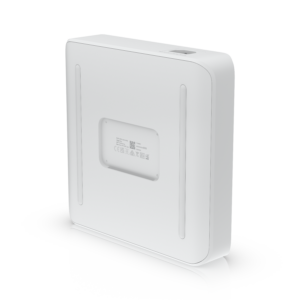
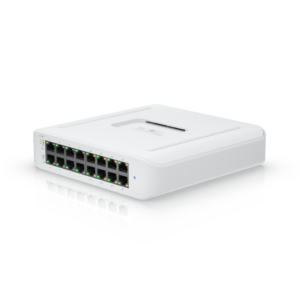
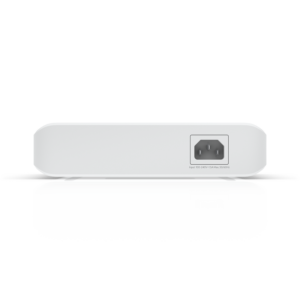
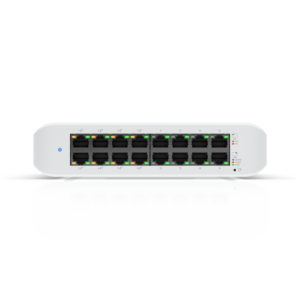
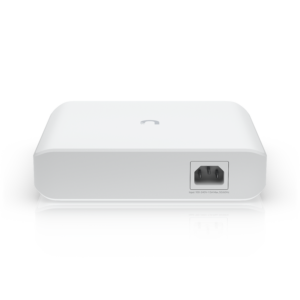
Ubiquiti UniFi USW-Lite-16-POE Switch
KSh 38,000.00
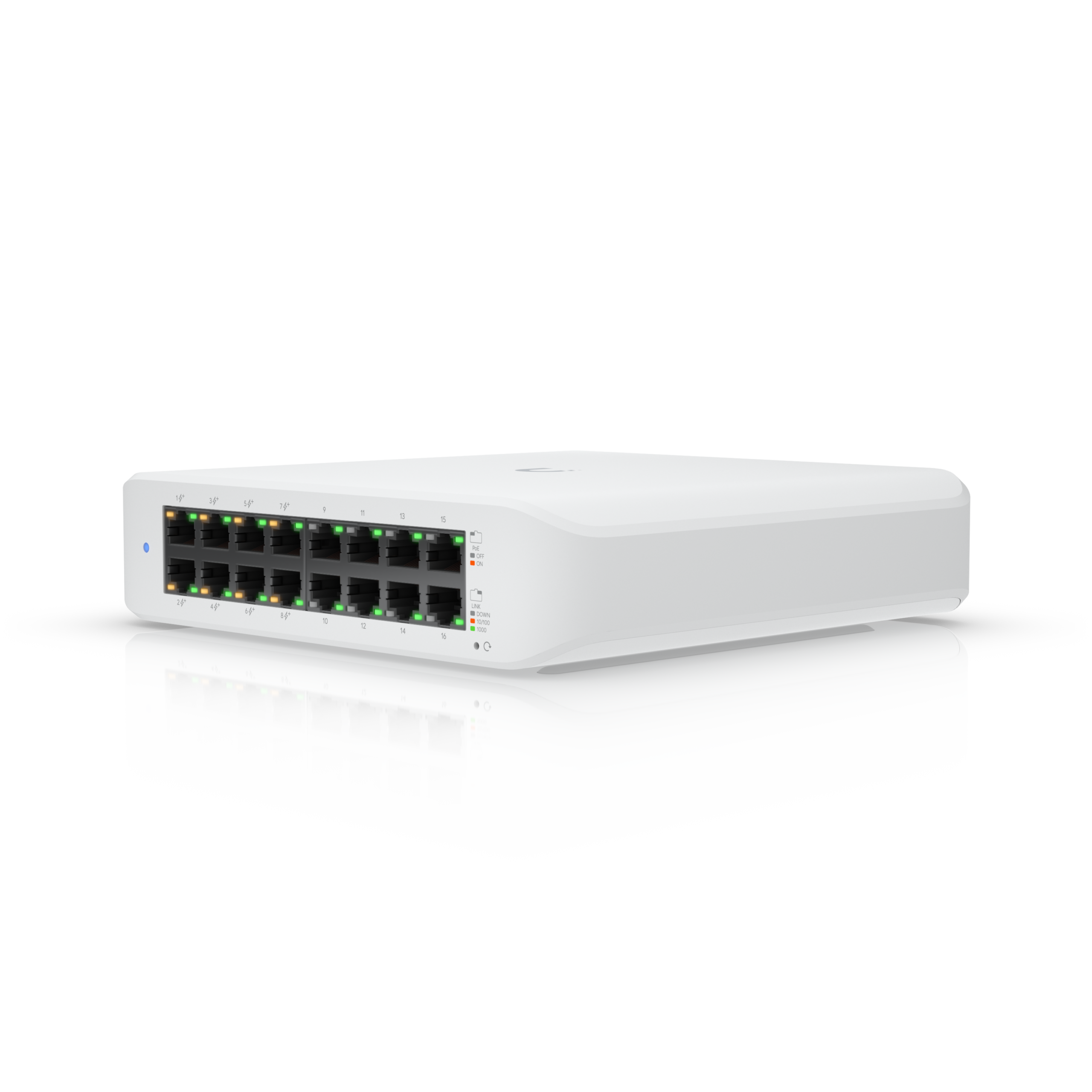
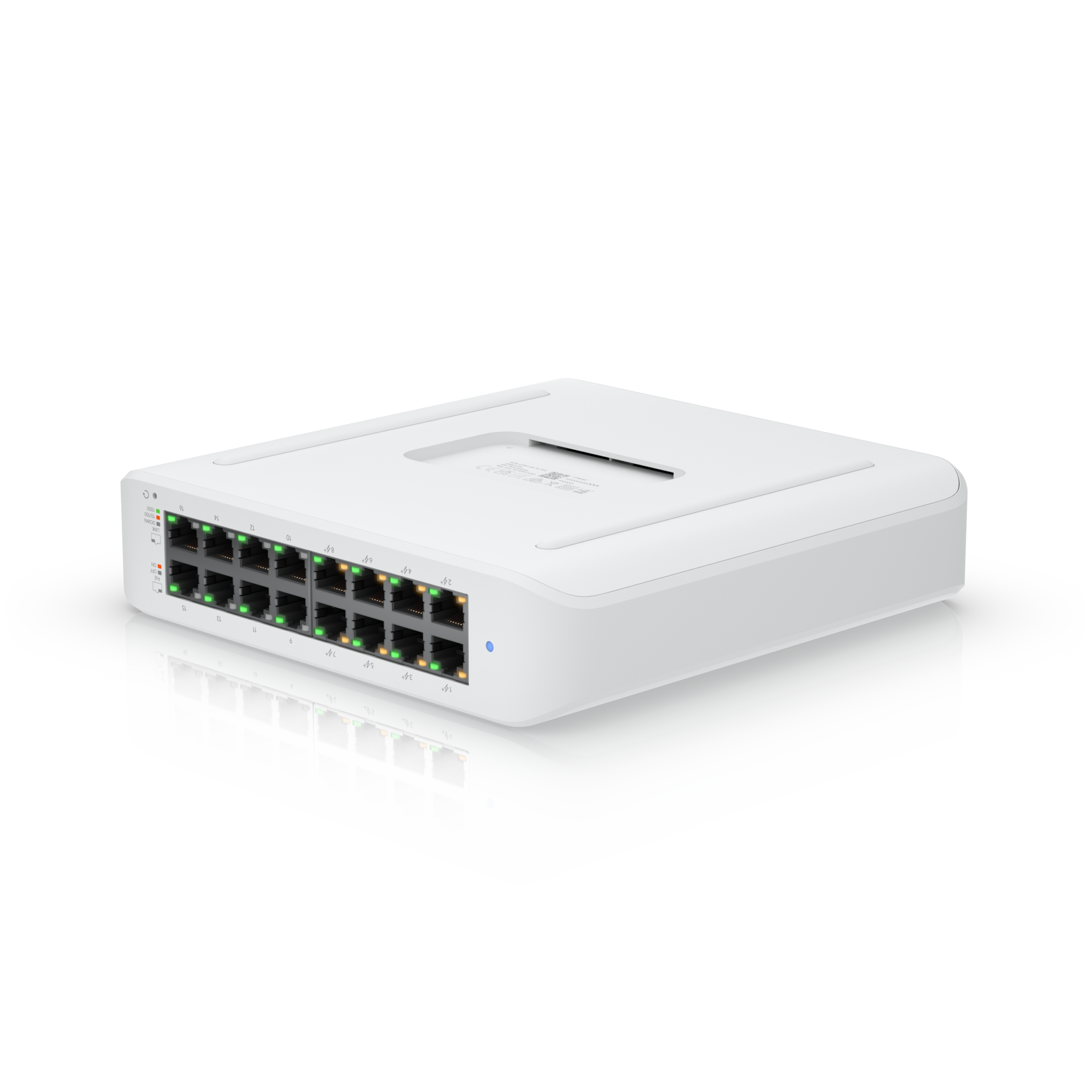
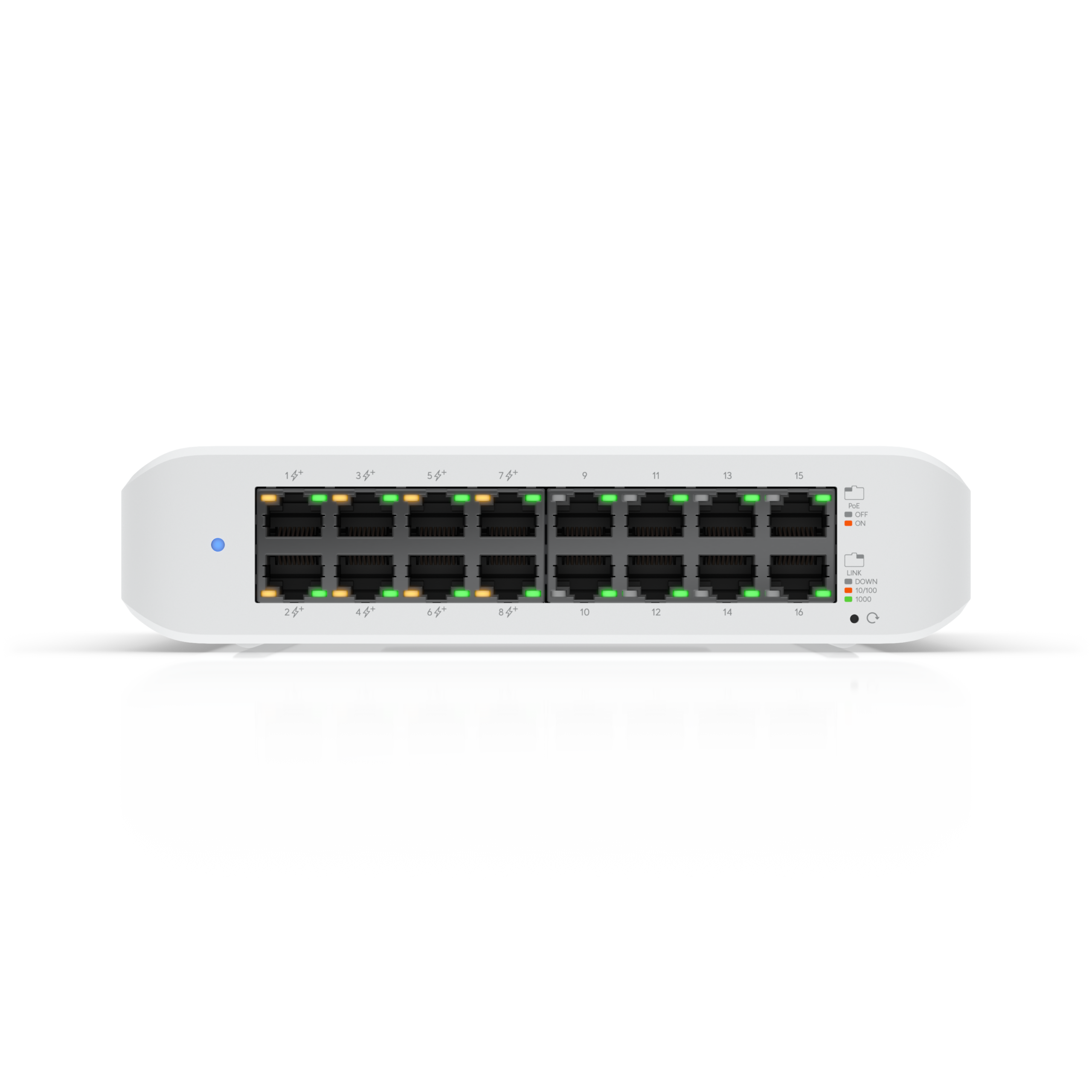
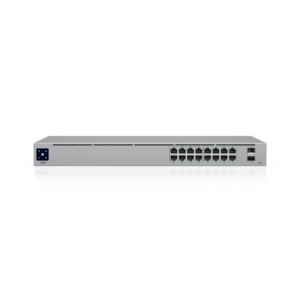
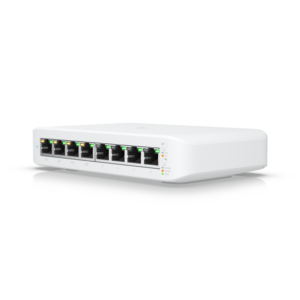
The Ubiquiti UniFi USW-Lite-16-POE Switch provides sixteen Gigabit Ethernet ports, including eight PoE+ connections sharing a 45W budget. Its compact enclosure supports desktop or wall installation. Fanless cooling and UniFi Network management suit smaller offices, shops and home networks with compatible powered devices
Ubiquiti UniFi USW-Lite-16-POE Switch for Desktop or Wall Mounting
The Ubiquiti UniFi USW-Lite-16-POE Switch adds sixteen Gigabit Ethernet connections to an office, shop or home network. Eight ports also supply power to compatible phones, cameras and wireless access points. For customers in Kenya who need several wired connections without a large rack enclosure, its compact size makes placement easier. Meanwhile, fanless cooling keeps it quiet enough for use near desks, reception counters and other shared work areas.
A Compact Managed Switch
The Ubiquiti UniFi USW-Lite-16-POE Switch is a managed Layer 2 switch with sixteen gigabit ports and a shared 45W device-power budget. It connects equipment with different power needs in one compact enclosure. Administrators use UniFi Network to configure ports, organise traffic and monitor connections across the network.
Eight PoE+ Connections with a 45W Budget
Eight ports support Power over Ethernet Plus (PoE+), allowing compatible equipment to receive data and power through one network cable. Consequently, installers can reduce the number of separate adapters needed for supported devices. The other eight ports provide data connections for equipment with its own power supply.
The shared 45W budget determines how much equipment the switch can power. For example, five devices requiring 7W each would use 35W in total. However, eight devices requiring 7W each would exceed the available power. Before purchase, check maximum device requirements and leave some capacity for future changes.
Gigabit Connections for Wired Equipment
All sixteen copper ports support 10, 100 and 1,000Mbps connections. Therefore, computers, printers and other equipment can connect at their supported speeds. The switch is suitable where gigabit access meets the site’s requirements.
An Ethernet connection to your router or another switch uses one of the sixteen ports. As a result, a typical installation with one uplink leaves fifteen ports for other equipment. Include that connection when counting the ports your network needs.
Controls Available Through UniFi Network
The switch provides management tools for organising access and troubleshooting connections.
- Virtual Local Area Networks (VLANs): Separate staff, guest and equipment traffic into different networks.
- Voice VLAN: Assign compatible phones to a dedicated voice network.
- Port isolation: Restrict communication between selected connections when devices should remain separate.
- Port mirroring: Copy selected traffic to monitoring equipment for troubleshooting.
- Loop protection: Help limit disruption from accidental network cable loops.
- Outbound rate limits: Set limits on traffic leaving selected ports to control bandwidth use.
Ubiquiti UniFi USW-Lite-16-POE Switch Specifications
The switch has the following manufacturer-listed hardware and performance ratings.
- Ethernet connections: 16 × 10/100/1000Mbps.
- Powered connections: 8 × PoE+.
- Data-only connections: 8.
- Total available PoE power: 45W.
- Switching capacity: 32Gbps.
- Non-blocking throughput: 16Gbps.
- Internal power supply: 60W.
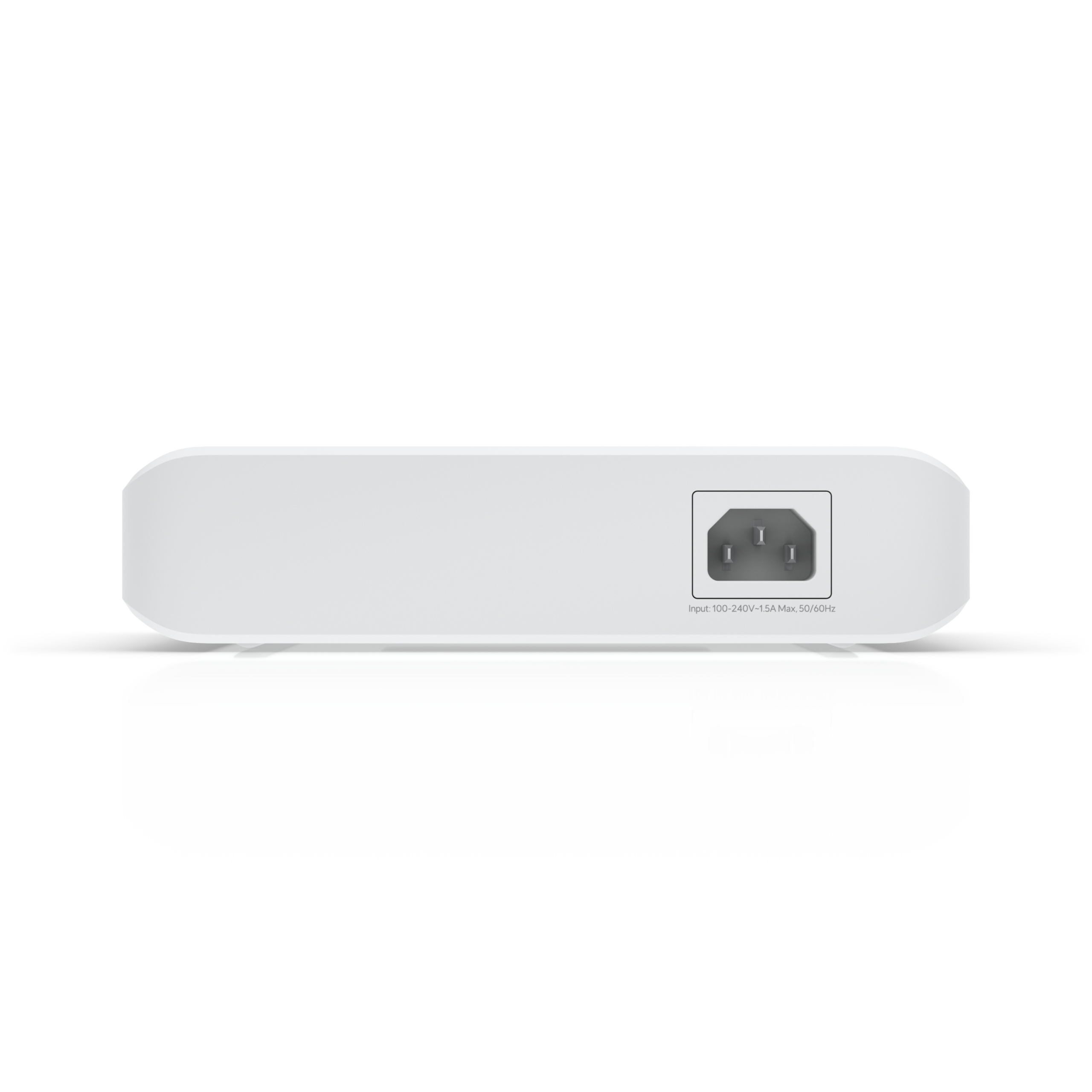
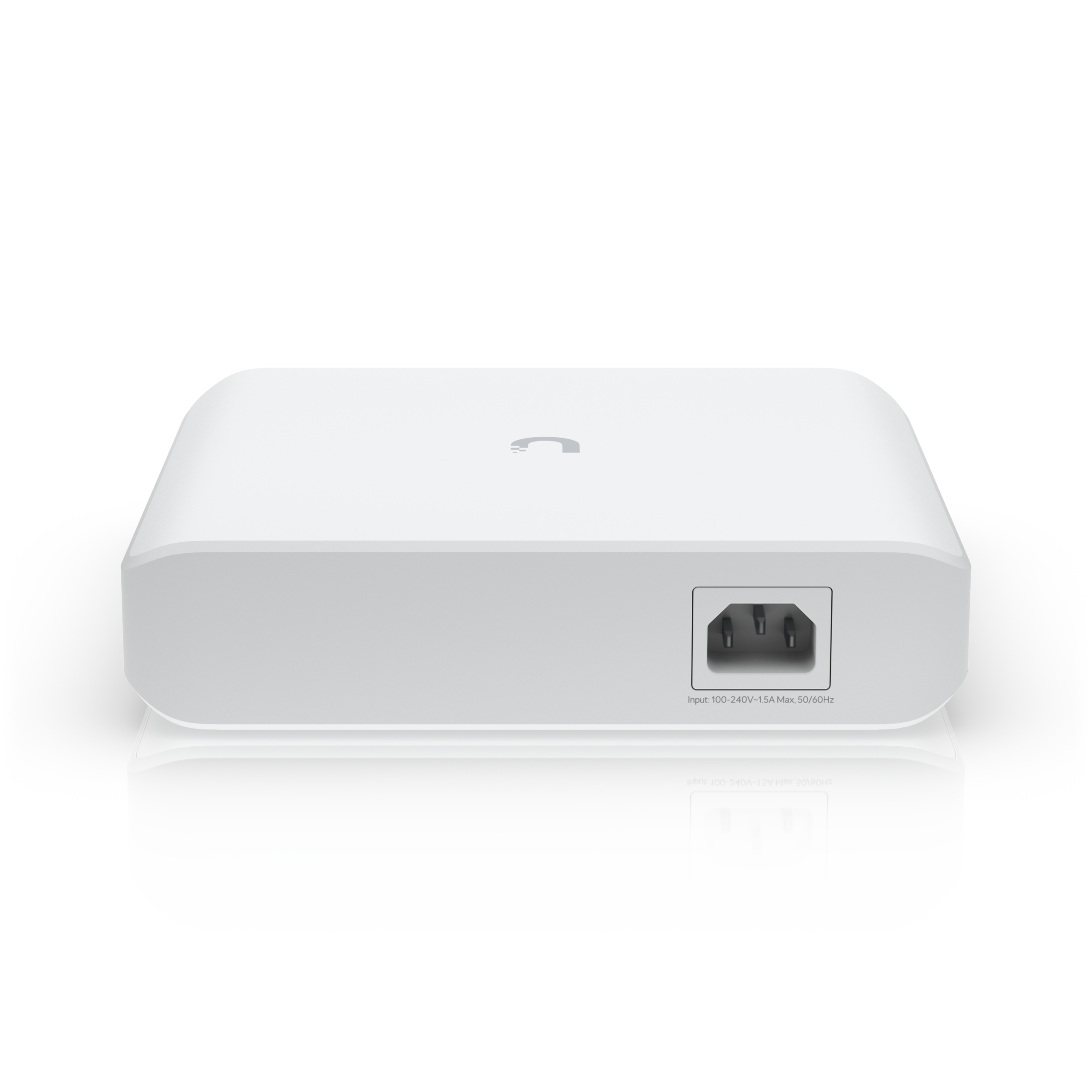
- Input: 100–240V alternating current, 50/60Hz.
- Weight: 1.2kg.
- Installation options: Desktop or wall mounting.
- Management application: UniFi Network version 7.2.94 or later.
Placement in Smaller Workspaces
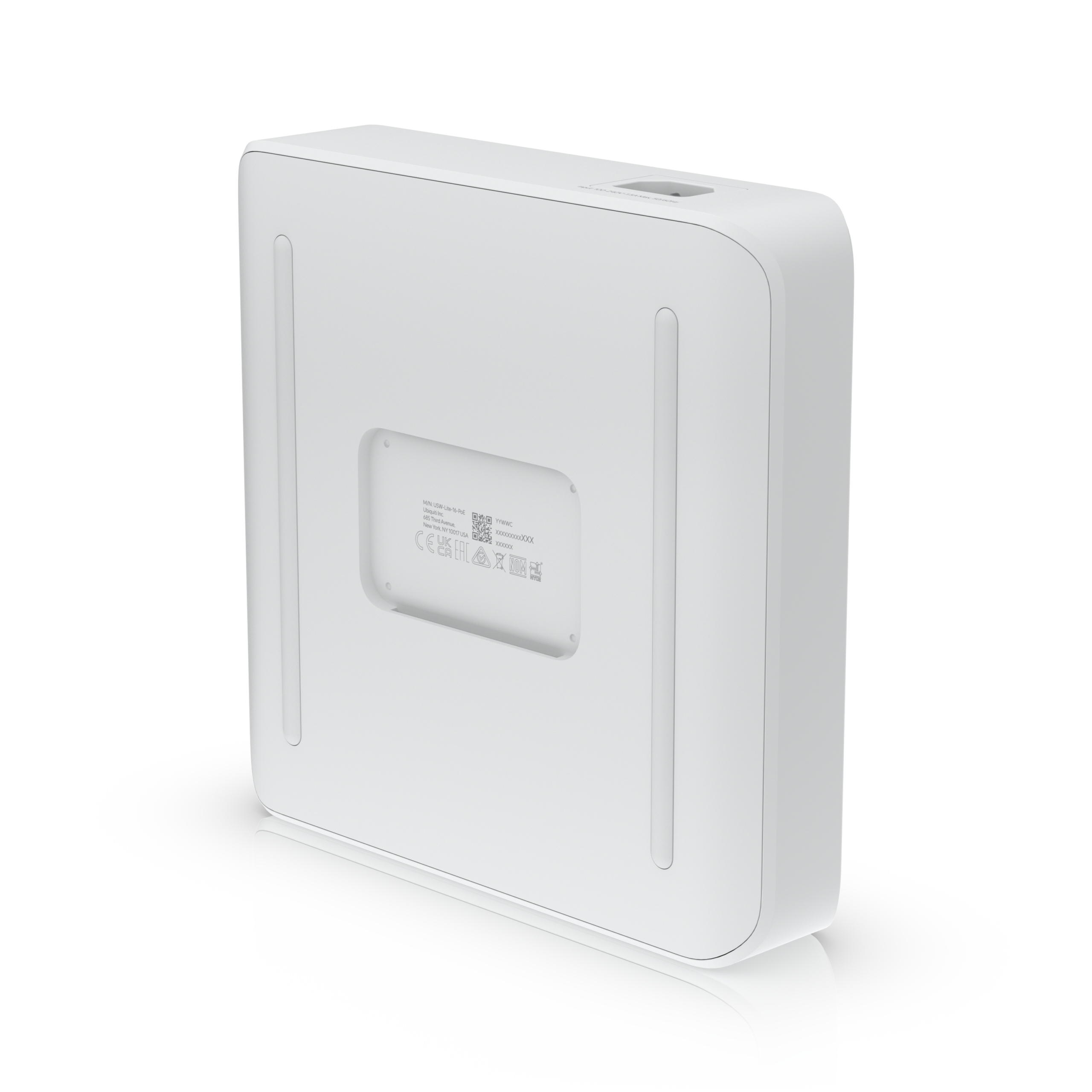
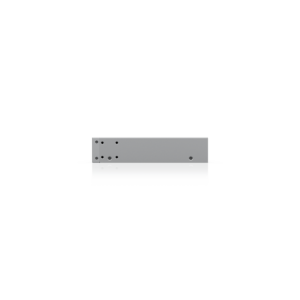
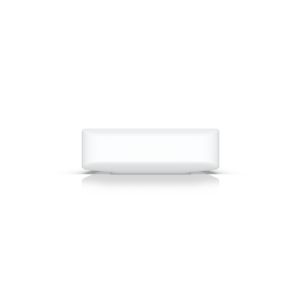
The enclosure measures approximately 192 × 185 × 44mm, so it takes up relatively little desk or shelf space. Alternatively, wall mounting can keep the switch away from a busy work surface. Allow room for cables and ventilation when deciding where to install it.
The switch suits small offices, reception areas and shops with a modest powered-device load. Its combination of powered and data-only connections also accommodates computers and printers alongside compatible access points or phones. However, the combined power demand must remain within the 45W budget.
Installation and Support in Kenya
Contact Network Shop Kenya for site surveys, quotations, setup guides, installation services and technical support. Our team can help review your device power requirements, available connections and mounting position. Also, confirm the applicable warranty terms and discuss your setup requirements before purchase.
Frequently Asked Questions
How many devices can I connect after linking the switch to my router?
One router connection uses one Ethernet port, leaving fifteen connections for other equipment.
Does the switch need a separate power adapter?
The switch uses an internal 60W power supply and accepts mains power directly. Its available PoE budget is 45W.
Can it sit near a reception desk?
The compact enclosure and fanless cooling suit shared workspaces. Wall mounting also provides an alternative to placing it on the desk.
Can I request help planning a small office network in Kenya?
Technical support and site surveys can help assess device quantities, power requirements and the proposed installation location.
Request a USW-Lite-16-POE quotation and discuss installation services, setup guides, technical support and warranty terms before purchase.
Be the first to review “Ubiquiti UniFi USW-Lite-16-POE Switch”
Related products
Network Switches
Managed Switches
Network Switches


Network Switches
Network Switches
Network Switches
Network Switches
Network Switches
Reviews
There are no reviews yet.