


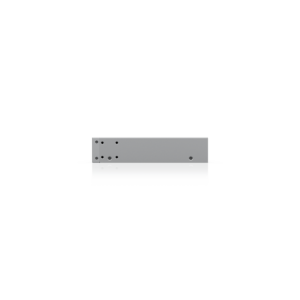
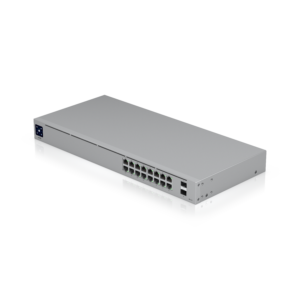
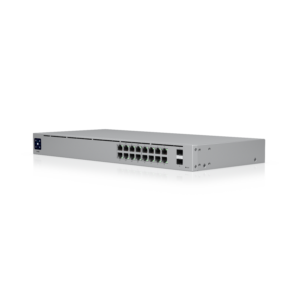
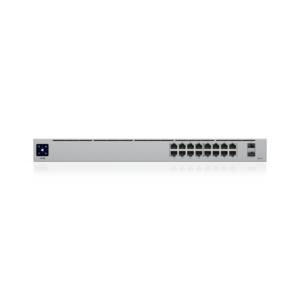
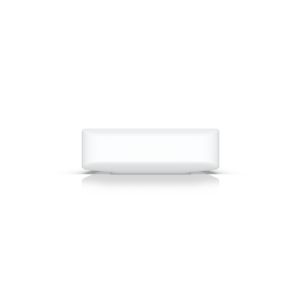
Ubiquiti UniFi 16-Port PoE Switch (USW-16-POE)
KSh 68,000.00
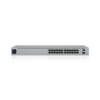
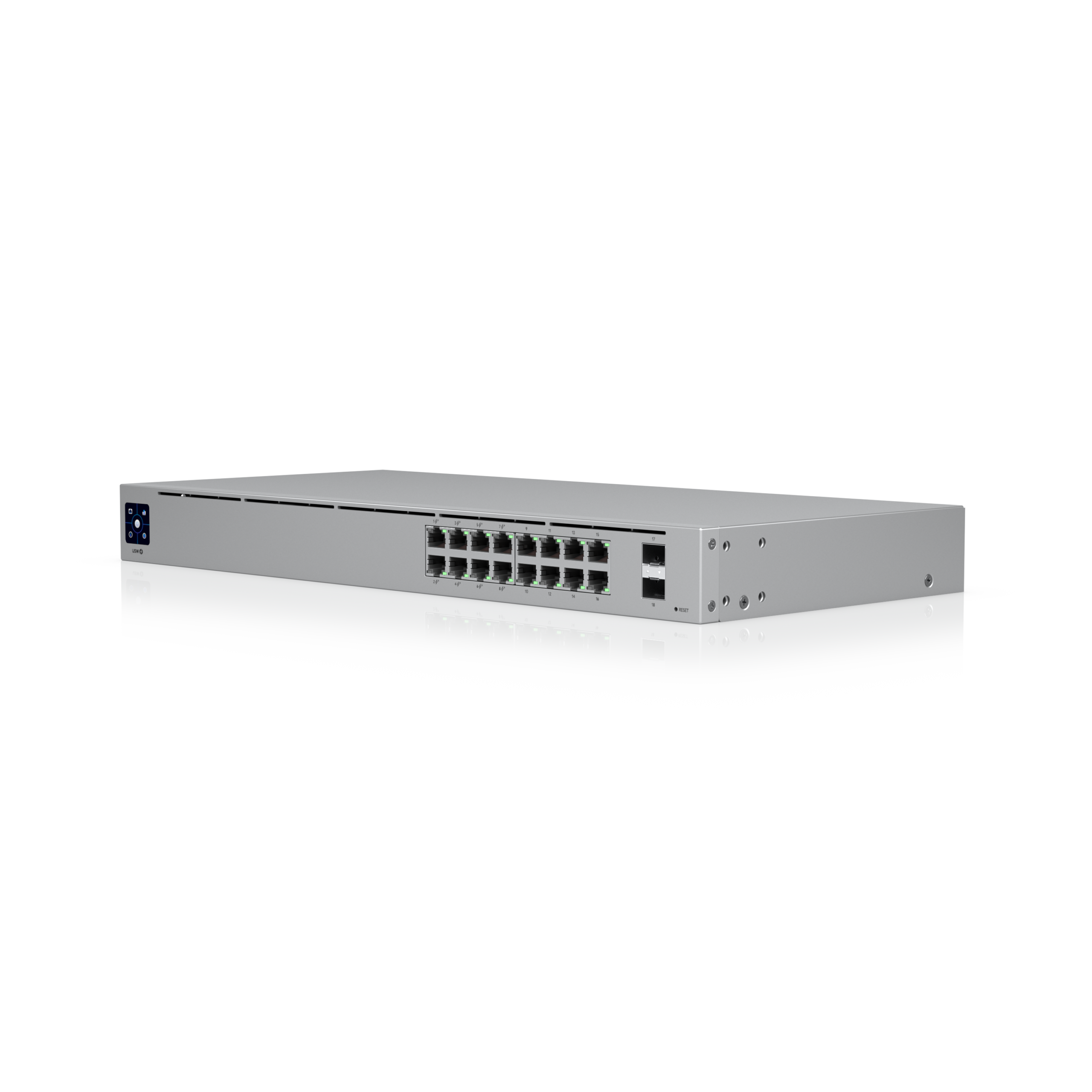
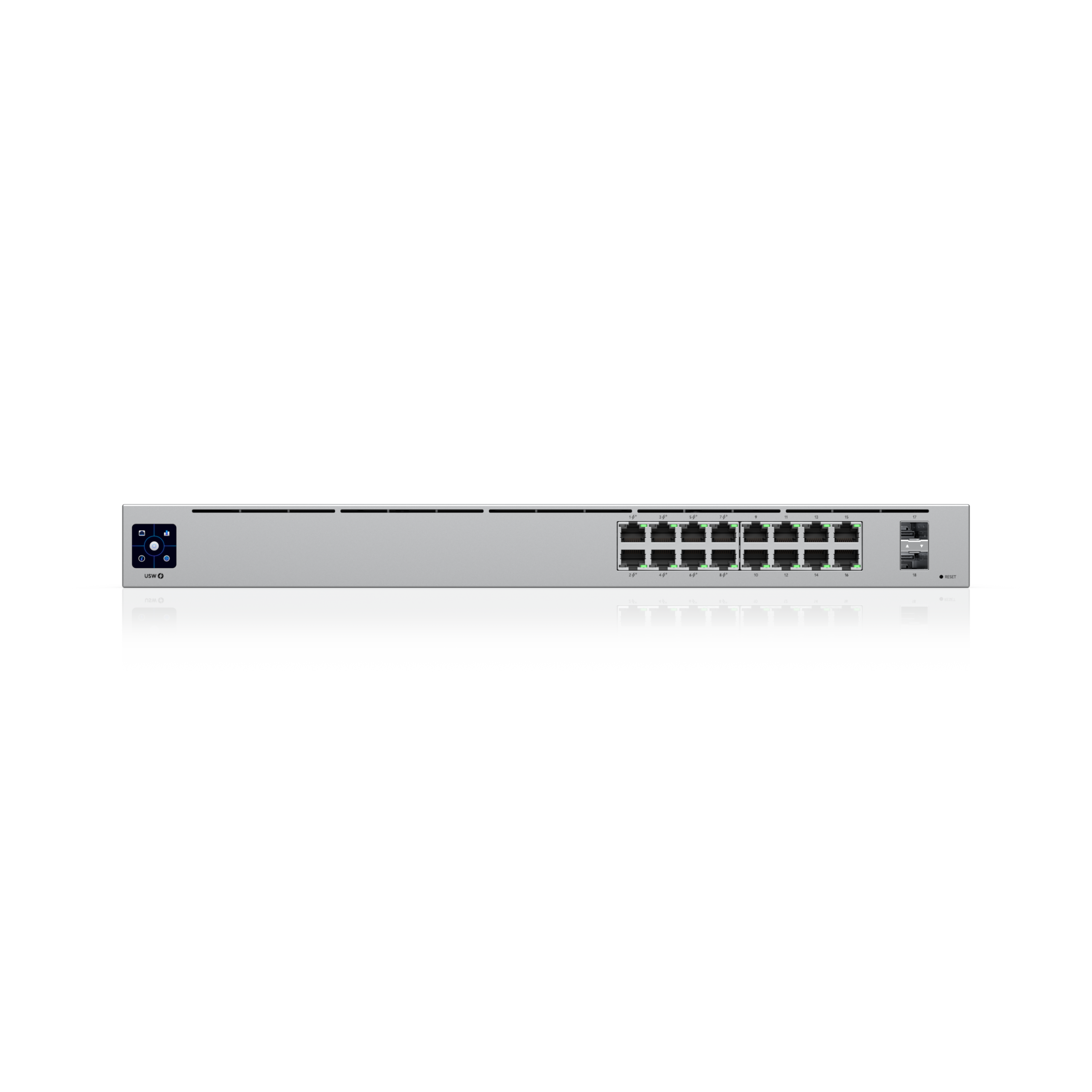
The Ubiquiti UniFi 16-Port PoE Switch (USW-16-POE) offers sixteen gigabit ports, including eight PoE+ connections sharing a 42W budget. Two 1G SFP slots support uplinks, while fanless cooling keeps operation quiet. Suitable for smaller networks with a mix of powered and independently powered equipment.
Ubiquiti UniFi 16-Port PoE Switch (USW-16-POE) with Gigabit Connections
The Ubiquiti UniFi 16-Port PoE Switch (USW-16-POE) provides sixteen Gigabit Ethernet connections, including eight ports that power compatible network devices. It suits small offices, shops and home offices in Kenya that need wired connections alongside a few phones, cameras or access points. Two additional fibre slots provide gigabit uplinks. Meanwhile, its fanless design avoids cooling-fan noise when the switch sits near a working area.
Eight Powered Ports and Eight Data Ports
The USW-16-POE is a managed Layer 2 switch for connecting wired equipment and powering compatible devices from a shared 42W budget. Ports 1–8 supply power and data, while ports 9–16 provide data connections. Administrators use UniFi Network to configure ports, organise network traffic and monitor connected equipment.
Check the 42W Power Budget Before Buying
The eight powered ports support IEEE 802.3af Power over Ethernet (PoE) and IEEE 802.3at Power over Ethernet Plus (PoE+). Therefore, compatible devices can receive data and power through one cable, reducing the need for separate adapters.
The shared 42W budget determines how many devices the switch can power. For example, four devices requiring 8W each would draw 32W in total. However, eight devices requiring 8W each would exceed the budget. Check each device’s maximum power requirement rather than assuming all eight ports can supply their maximum output together.
Gigabit Ethernet and Fibre Connections
All sixteen copper ports support 10, 100 and 1,000Mbps connections. Consequently, computers, printers and other wired equipment can connect at their supported speeds. The two Small Form-Factor Pluggable (SFP) slots provide separate 1Gbps connections through compatible modules.
The SFP slots leave the copper ports available for other equipment. However, they support gigabit links rather than 10G connections. When planning a fibre uplink, confirm the module, fibre type and equipment at the other end.
Network Management Features
The switch provides controls for managing access and keeping different types of traffic organised.
- Separate user groups: Virtual Local Area Networks (VLANs) let administrators organise staff, guest and equipment traffic.
- Voice network settings: Voice VLAN support helps assign compatible network phones to a dedicated network.
- Port isolation: Restrict direct communication between selected connections where devices should remain separate.
- Loop protection: Help prevent accidental cable loops from disrupting network access.
- Port mirroring: Copy selected traffic to monitoring equipment for troubleshooting.
- Fanless cooling: Install the switch near desks without adding cooling-fan noise.
USW-16-POE Technical Specifications
The switch has the following port layout and hardware specifications.
- Ethernet ports: 16 × 10/100/1000Mbps.
- PoE+ ports: 8, located on ports 1–8.
- Data-only copper ports: 8, located on ports 9–16.
- Fibre slots: 2 × 1Gbps SFP.
- Total available PoE power: 42W.
- Switching capacity: 36Gbps.
- Non-blocking throughput: 18Gbps.
- Power supply: Internal 60W.
- Power input: 100–240V alternating current, 50/60Hz.
- Rack height: 1U.
- Display: 1.3-inch touchscreen.
Quiet Installation for Smaller Networks
The Ubiquiti UniFi 16-Port PoE Switch (USW-16-POE) suits sites needing more data connections than powered connections. For example, a small office can connect computers and printers alongside a few compatible phones or access points. Its enclosure is approximately 200mm deep, although the installation also needs room for cables and ventilation.
The manufacturer advises against stacking equipment on this fanless switch. Instead, leave the enclosure unobstructed and use the supplied mounting hardware where appropriate.
Setup Guides and Technical Support in Kenya
Contact Network Shop Kenya for site surveys, quotations, setup guides, installation services and technical support. Our team can help check whether your powered devices fit within the 42W budget and review your uplink requirements. Also, confirm the applicable warranty terms before purchase.
Frequently Asked Questions
Does the 60W power supply give connected devices 60W?
The available PoE budget is 42W. The internal supply also powers the switch itself.
Which ports should I use for equipment with its own power adapter?
Ports 9–16 provide gigabit data connections for equipment that does not need power from the switch.
Does the package include rack brackets?
The manufacturer lists two rack-mount brackets, bracket screws, mounting screws, cage nuts and a power cord.
Can I get help checking camera power requirements in Kenya?
Technical support can help review your camera models and combined power demand before you select the switch.
Request a USW-16-POE quotation and discuss installation, setup support and warranty terms before purchase.
Be the first to review “Ubiquiti UniFi 16-Port PoE Switch (USW-16-POE)”
Related products
Network Switches
UniFi Switch Enterprise 24 PoE (400W) (USW-Enterprise-24-PoE)
Network Switches
Managed Switches
Network Switches


Network Switches
Network Switches
Network Switches
Network Switches
Reviews
There are no reviews yet.